NewsFeedReader
All your news in one reader.
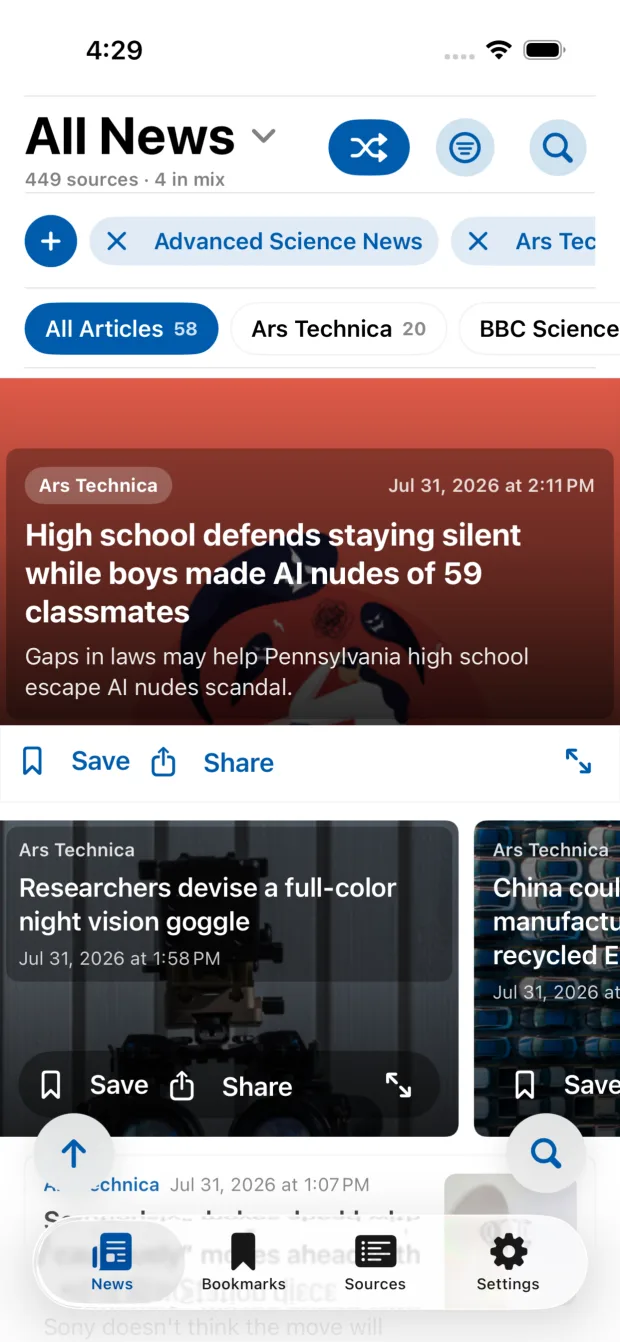
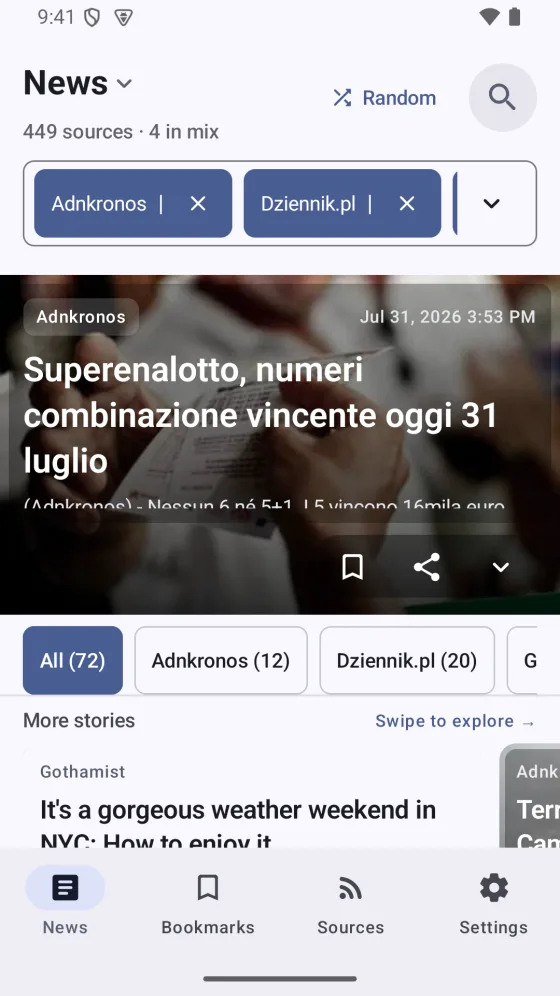
Choose the sources, search stories, save articles, and keep the same setup on web and mobile.
Try the reader without an account.
Your reading loop
Choose. Read. Keep.
NewsFeedReader stays focused on the actions you use every day.
-
01
Choose your sources
Pick curated outlets or add a public RSS, Atom, XML, or JSON feed.
Try the source picker -
02
Build one feed
Mix the sources you want, switch categories, or tap Random for a fresh set.
Build a demo feed -
03
Save and share
Bookmark a story for later or send its original link to another app.
See how saving works -
04
Keep it on every device
Sign in to use the same sources, bookmarks, and settings on web, iPhone, iPad, and Android.
See mobile options
Start your way
Try it first. Save it when it fits.
Source-controlled reading
Pick a source. Read the story.
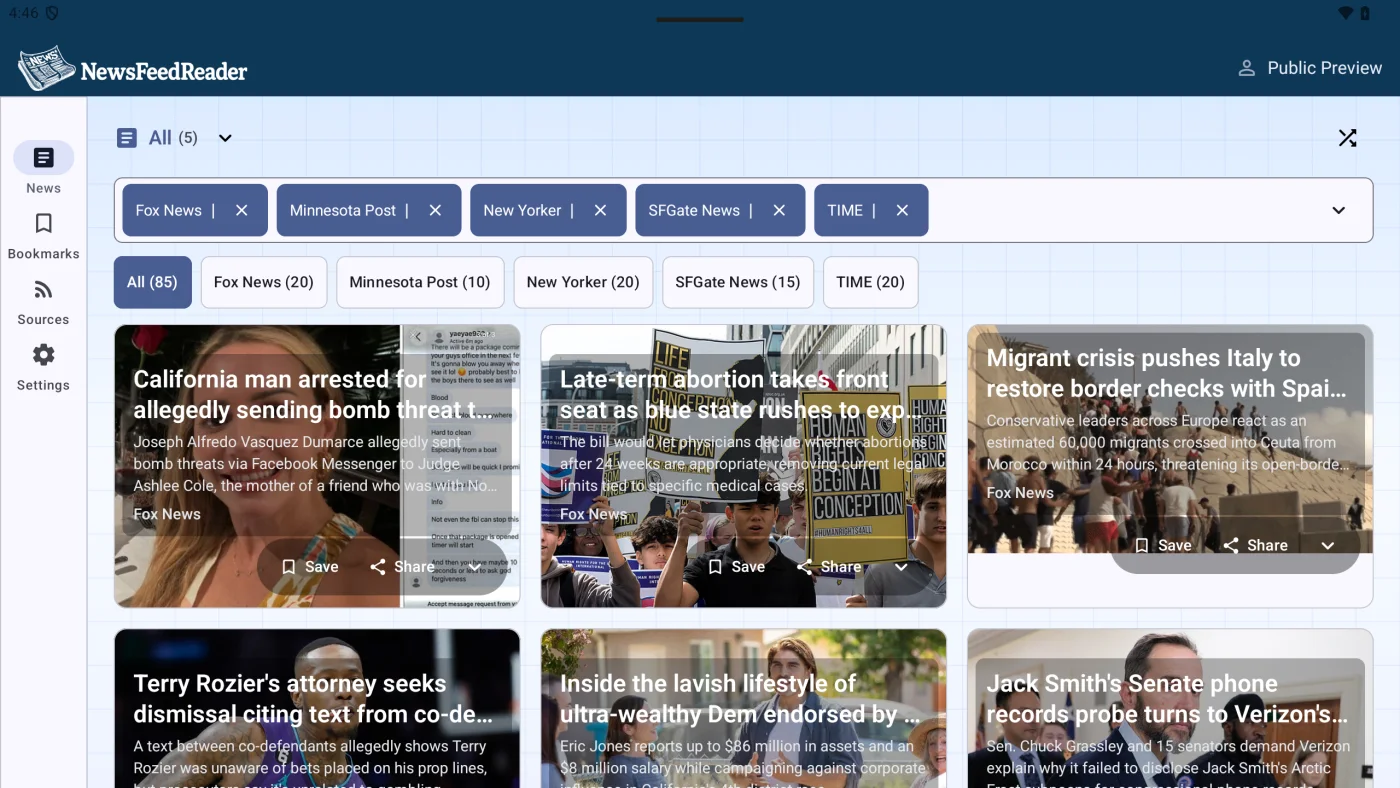
Source filters stay beside the feed, so you can change the mix without losing your place.
586
curated sources
12
source categories
Read anywhere
Take your reader with you.
Install NewsFeedReader on iPhone, iPad, or Android and sign in to use your saved setup.